A Guide to Free Educational Resources at Public Libraries

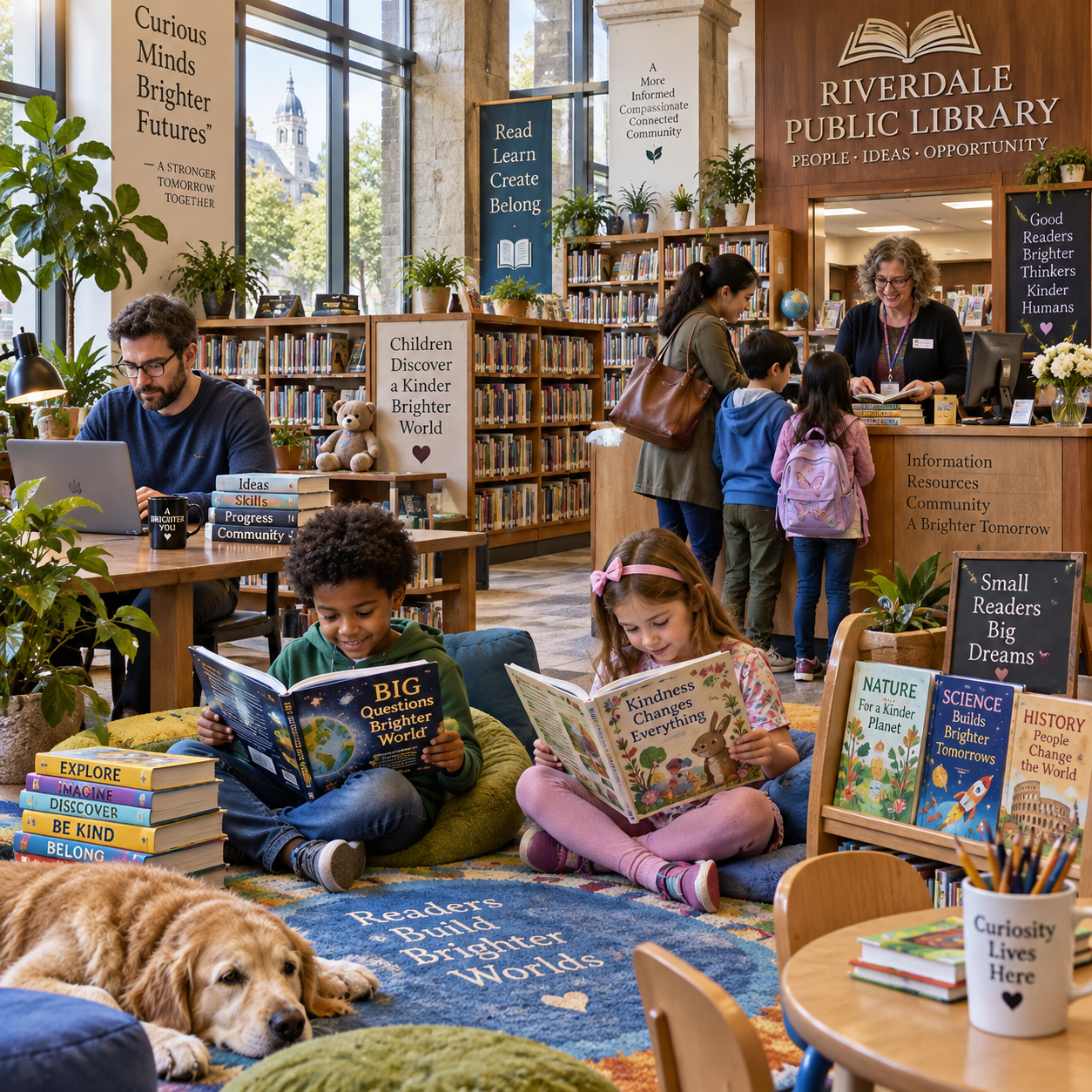
Public libraries offer far more than shelves of books. Depending on the location, you may find homework support, children’s and teen programs, adult education classes, research help, and digital learning tools—all at no cost to eligible users.
What’s available varies by library, and some services require a library card, advance registration, or a place in a limited-capacity program. A quick check of your local library’s website or a conversation with a librarian can help you find the options that fit your goals.
What counts as an educational resource?
Educational resources at a public library include print materials, digital collections, and in-person learning services. You can use them for schoolwork, personal interests, practical skills, or continued learning at any age.
Print resources include books, newspapers, magazines, encyclopedias, and other reference materials. A library catalog can help you find a title, check whether it is available, and request it from another branch if your library participates in a shared borrowing network. Staff can also suggest sources for a research project or help you narrow a broad topic.
Many libraries complement their collections with programs and personal support. These may include tutoring and homework help, reading groups, workshops, community classes, and one-to-one research assistance from librarians. Some branches host activities for families, while others focus on particular learning needs, such as English-language practice or basic computer skills.
Think of library learning in three formats: take-home materials, services you use online, and activities you attend in person. A library may offer all three, but its budget, staffing, partnerships, and local demand shape the selection.
Free resources for children and teens
Public libraries can support children and teens with reading materials, homework help, and age-appropriate programs. The specific services, age ranges, and registration rules depend on the library.
For younger children, look for storytimes, early-literacy activities, family reading events, and books matched to different reading levels. These programs give caregivers ideas for building reading habits at home and let children enjoy stories in a group setting. Some libraries also offer summer reading activities that encourage children to read during school breaks.
School-age children and teens may be able to use tutoring or homework help, study spaces, subject reference materials, and research databases. Homework support can take different forms: a scheduled tutoring session, a drop-in help desk, a supervised study group, or access to online homework tools. Ask whether students need to register, bring an assignment, or attend with an adult.
Teen programs may include book clubs, creative workshops, technology activities, study sessions, or volunteering opportunities. These can help young people explore interests outside the classroom, though a library may run a program only during certain seasons or when staff and community partners are available.
To find a useful fit, check the event listing for the intended age group, dates, location, and sign-up instructions. If a child needs ongoing academic support, ask staff what the library provides and whether local schools or community organizations offer complementary services.
Learning opportunities for adults
Adults can use public libraries to build practical skills, explore interests, and find learning support. Depending on the community, free options may include workshops, community classes, literacy services, and career-related resources.
Common subjects include digital basics, crafts, financial literacy, job-search skills, language learning, and general-interest topics. Some classes meet at a branch; others are offered as online sessions or recorded materials. Check whether the class is a single event or a multi-week series, since the latter may require regular attendance and advance registration.
Libraries may also connect adults with adult education and literacy support, such as help with reading, writing, English-language practice, or preparation for an educational exam. Availability often depends on trained volunteers or partnerships, so ask a librarian about current referrals and services rather than assuming every branch runs its own program.
For career learning, a library might provide résumé workshops, interview practice, access to job and business research tools, or guidance on finding local employment services. These resources can help with a specific task, but they are not a guarantee of a job placement or a substitute for specialized professional advice.
When evaluating a class, confirm the cost, eligibility, format, equipment requirements, and cancellation policy. Most library learning activities are free, but some programs may have limited spaces or require materials that are not supplied.
Digital resources you can use from home
Many public libraries provide digital educational resources that cardholders can use from home, including e-books, audiobooks, research databases, and online learning platforms. Access depends on the library’s subscriptions, licensing terms, and local borrowing rules.
With a valid library card, you may be able to borrow e-books and audiobooks through the library website or a digital lending app. Availability can differ from print borrowing: popular titles may have a waiting list, and some digital loans expire automatically after a set period. Check the library’s instructions for supported devices and borrowing limits.
Libraries may also subscribe to online learning platforms, language-learning tools, newspapers, encyclopedias, and academic or local-history databases. These can support a class assignment, independent study, or practical research. Some platforms require you to sign in with your library card number and PIN; others may only work on library computers or through the library’s website.
Before starting a course or research project, check whether the platform offers the subject and learning format you want. Online resources are convenient, but they do not all provide certificates, instructor feedback, or the same depth as a formal course. A librarian can help you compare available tools and locate reliable reference materials.
How to access your library’s resources
To access library resources, check your local library’s card and eligibility rules, register for any required programs, and follow the instructions for borrowing or logging in. Requirements vary by library system and by resource.
A library card is often the key to borrowing books and using digital collections. Residency or other local eligibility rules may apply, and libraries can ask for proof of address or identification when you sign up. Some systems let you start an application online, then verify your information at a branch. Ask whether children need their own card and what a parent or guardian must provide.
Not every service requires a card. You may be able to attend a public event, use materials inside a branch, or ask a librarian a general research question without borrowing privileges. However, tutoring sessions, classes, computer use, and online platforms may have their own registration or access conditions.
- For print books: search the catalog, check availability, and note the branch or request process.
- For digital tools: look for a digital resources or online learning section and follow its sign-in instructions.
- For programs: confirm age limits, dates, capacity, registration, and whether you need to bring anything.
If you do not qualify for a card at one branch, ask staff whether a nearby library system, regional network, or community partner has another option. Policies differ, so verify details directly before making a trip or planning around a service.
Find the right resources at your local library
You can find relevant resources by searching the library website and catalog, checking the events calendar, and asking librarians for recommendations. Start with your goal, then confirm the service’s format, eligibility, and schedule.
Use a simple three-step search:
- Name the goal: for example, help with a child’s reading, a reliable source for a school project, or a beginner computer class.
- Search the right place: use the catalog for books, the events calendar for classes and programs, and the website’s digital resources page for online tools.
- Verify the details: check age range, card requirements, registration deadlines, availability, and whether the service is in person or online.
If your search turns up too many results, ask a librarian. Share the age group, topic, skill level, and deadline you have in mind. A specific question—such as “Which resources help a middle-school student research local history?”—is easier to answer than a general request for “good websites.” Librarians can also explain how to evaluate sources and use the catalog or databases.
Library websites and schedules can change, especially when programs run seasonally or depend on staff and partners. Confirm the latest details before traveling, and ask whether a full class has a waitlist or another session is planned.
Frequently asked questions
Do I need a library card to use educational resources?
Not always. Many libraries allow visitors to use materials in the building or attend some public events without a card, while borrowing books, accessing e-books, or using online learning platforms often requires one. Check the rules for the specific service.
Are library resources available online?
Many libraries offer online catalogs, e-books, audiobooks, research databases, and learning platforms. Access may require a library card and can vary by location, subscription, and licensing terms.
Can children get homework help at the library?
Some libraries offer tutoring, homework clubs, study spaces, or online homework resources for children and teens. Contact your local branch to confirm the age range, schedule, registration process, and subjects covered.
How do I find classes or workshops near me?
Search your public library’s events calendar for terms such as “class,” “workshop,” or the subject you want to learn. Filter by branch or date if possible, then confirm whether registration is required and whether the program is free.