The Role of Libraries in Digital Literacy and Technology Access

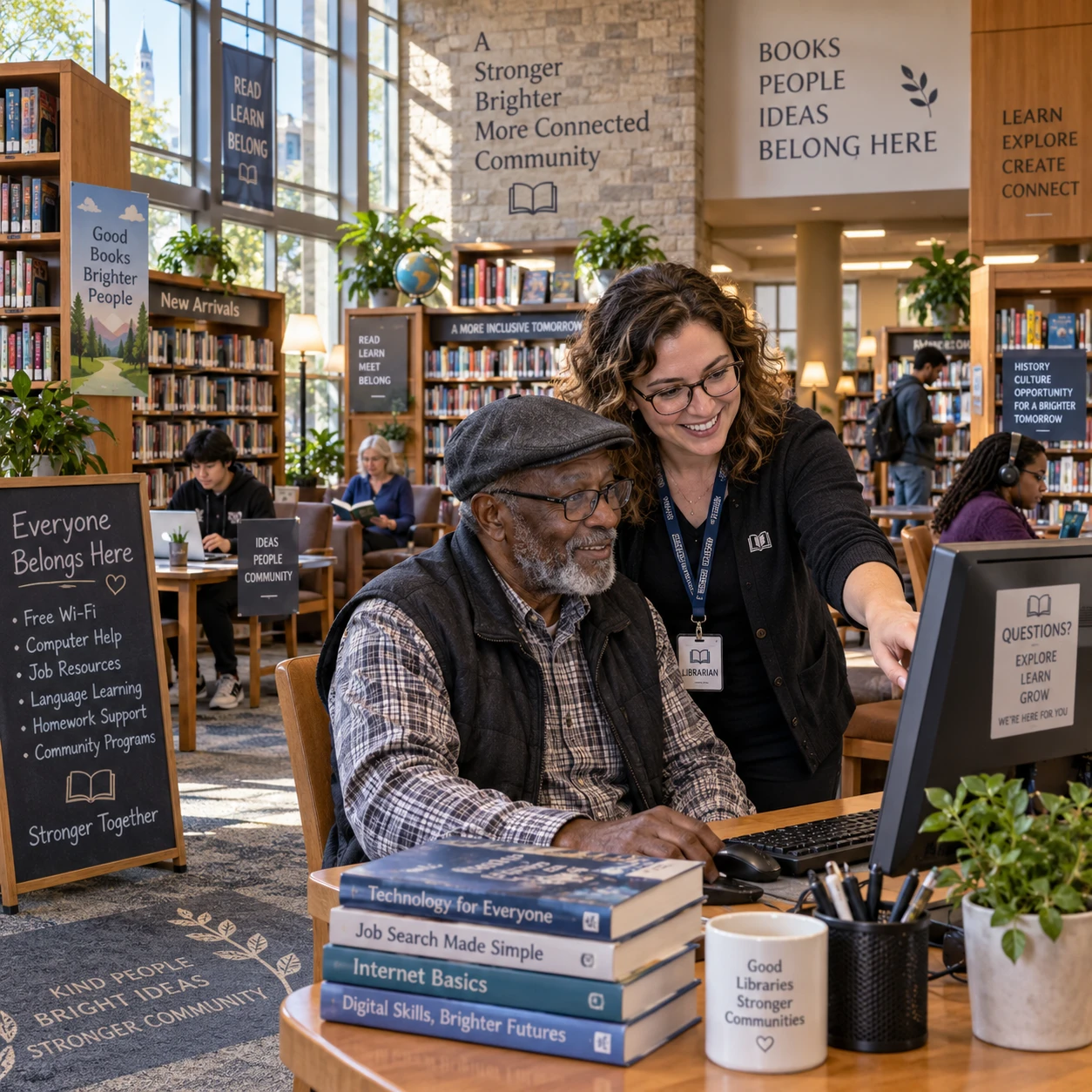
Public libraries help people connect to technology and learn how to use it with confidence. Depending on the location, services may include public computers, internet access, digital skills training, and one-to-one guidance from library staff. Together, these resources can make online information and services easier to use, especially for people who lack reliable access at home.
Every library has its own equipment, programs, and participation rules. Still, a local library can be a useful place to start when you need a device, help with a digital task, or a welcoming space to practice.
What digital literacy means today
Digital literacy means having the skills to find, assess, create, and communicate information using digital tools. It includes practical technology use as well as the judgment needed to navigate online information safely and effectively.
For example, a digitally literate person might search for a government service, compare information across websites, recognize signs that a message could be a scam, and complete an online form. The skills also cover everyday tasks such as using email, managing files, joining a video call, or creating a basic document.
Digital literacy is broader than knowing which buttons to press. People also need to make informed choices about privacy, passwords, personal information, and the reliability of online content. Those needs change as websites and devices change, so learning is often an ongoing process rather than a one-time lesson.
Public libraries can support that process by offering access to devices and learning opportunities in a community setting. Staff may point visitors toward reliable resources or help them identify a suitable class. The level of assistance varies, and library staff may not be able to complete sensitive tasks or make decisions on someone’s behalf.
How libraries provide access to technology
Libraries commonly support technology access through public computers and internet connections, though the equipment, booking rules, and available help differ by location. These services give community members a place to get online when a personal device or home connection is unavailable or unreliable.
A library may offer desktop computers, Wi-Fi, printing, scanning, or access to basic software. Some locations lend laptops, tablets, or hotspots, while others provide only in-building access. Check the local library’s website or ask staff about what is available before making a trip.
Computer and internet access can help with practical needs such as looking up health information, applying for a job, completing schoolwork, communicating with family, or using online public services. A quiet workspace can also make it easier to focus, although computer sessions may have time limits and busy branches may require a reservation.
Libraries may also provide basic assistance with digital tools. A staff member could explain how to log in to a public computer, locate a website, or print a document. However, staff availability and the scope of support vary. For privacy, avoid entering financial or highly sensitive information on a shared device unless you understand the risks and can log out and clear your activity afterward.
Building digital skills through library programs
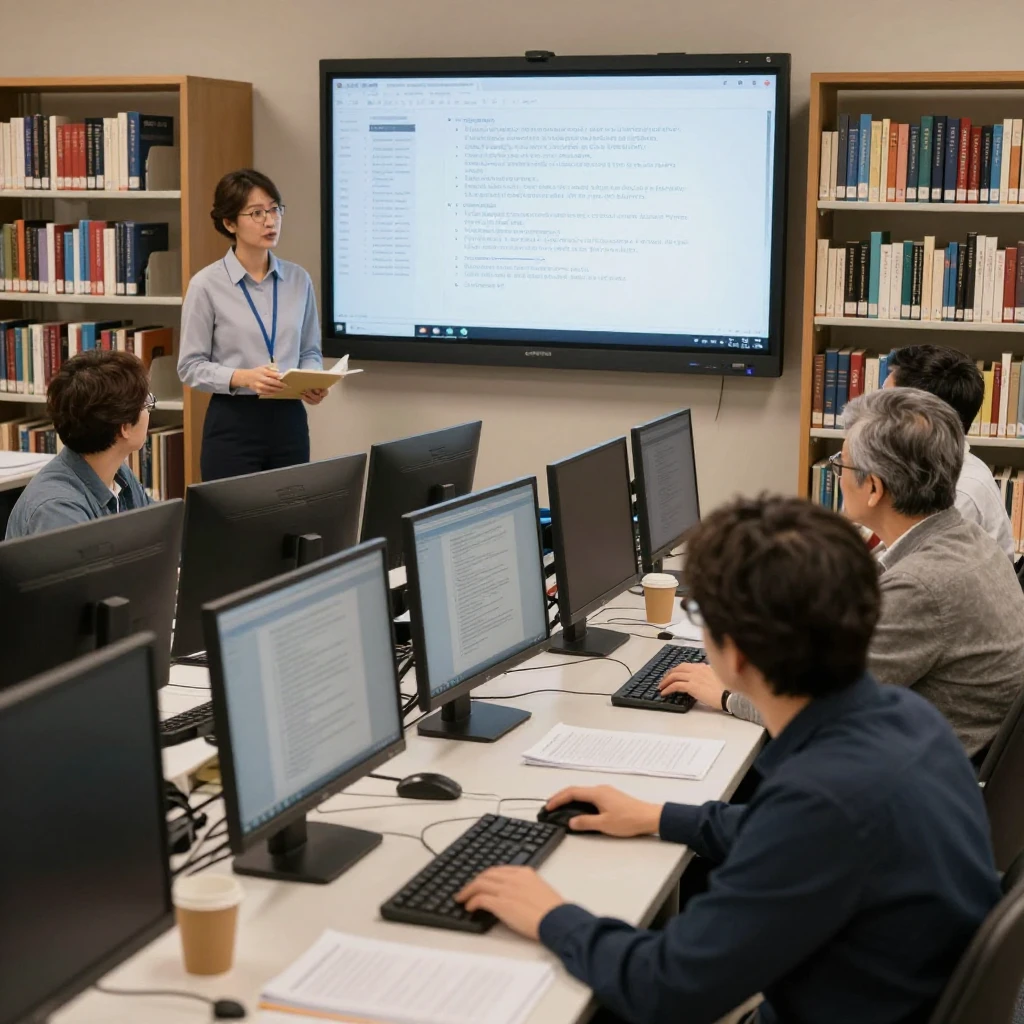
Library digital skills programs help people learn technology through classes, workshops, and individual guidance. Depending on local offerings, instruction may start with basic computer use or focus on a specific task, such as email or online job searching.
Beginner sessions may cover using a mouse and keyboard, navigating a browser, creating an email account, or saving and finding files. More focused workshops might introduce video calls, online safety, digital forms, or tools for education and employment. Some libraries provide one-to-one appointments for learners who prefer to ask questions at their own pace.
A good next step is to describe the task you want to learn rather than asking only for a general technology class. For instance, you might say, “I want to attach a document to an email,” or “I need practice using a website to apply for work.” That helps staff identify whether a class, scheduled appointment, or written guide would be most useful.
Classes can be a low-pressure way to practice, but they may have limited spaces, set dates, or prerequisites. Bring a list of questions, and ask whether you should bring your own device or use a library computer. If a session moves too quickly, ask about another class or a slower, one-to-one option.
Who benefits from library technology services
Library technology services can help anyone who needs access to a device, an internet connection, or support with a digital task. The services are especially useful for people whose circumstances make technology harder to access or use independently.
That may include students completing assignments, job seekers preparing applications, older adults learning to use video calls, newcomers navigating online community information, or families sharing a limited number of devices. People with disabilities may also benefit when a library provides accessible equipment or assistive technology, though availability differs among branches.
Experience levels vary just as much as needs. A visitor may be comfortable browsing the web but unsure how to upload a file; another may be starting with the basics. Library staff can often help people identify an appropriate starting point, but not every branch offers instruction in every language or accommodations for every need. Contact the library ahead of time if you have a specific access or communication requirement.
Libraries contribute to digital inclusion by offering shared resources and learning opportunities in public spaces. Access alone does not remove every barrier: transportation, opening hours, language, disability access, and limited equipment can still matter. Knowing what a particular branch offers helps you plan around those constraints.
Using digital skills in everyday life
Digital skills learned at a library can help with everyday communication, online services, education, and work. The practical value comes from being able to complete a task more independently and make informed choices while doing it.
For example, learning to use email can help you send a document to a school or employer. Practicing web searches can make it easier to find local community programs and judge whether a page is current and trustworthy. A basic understanding of online forms can help you prepare the information you need before beginning an application.
Other useful skills include setting a strong password, recognizing suspicious links, joining a video appointment, or downloading and organizing a file. These tasks can feel small, but they often connect people to larger opportunities, from continuing education to public services and community activities.
Shared computers come with limits. They may not save your preferences, and you may have only a set amount of time to work. Save your work to a secure account or approved storage option, sign out when finished, and avoid leaving personal information on the screen. For a complicated application, ask whether the library offers a longer booking or a suitable private space.
How to find support at a local library
To find digital literacy support, check your local library’s website, program calendar, or information desk. These sources can confirm current services, class dates, registration steps, equipment, and any eligibility requirements.
Start with a specific question: Do you need a computer today, want to learn a particular skill, or need help finding an online resource? Then check whether the branch requires a library card, advance booking, or registration for the service. Some resources are open to visitors, while others may be limited to cardholders or residents of a service area.
- Search the library website for terms such as “computer access,” “digital skills,” “technology help,” or “workshops.”
- Review the event calendar for class descriptions, dates, age ranges, and registration details.
- Call or ask staff whether you need to bring a device, documents, headphones, or a library card.
- Explain your goal and experience level so staff can suggest an appropriate service.
If you cannot find a listed class, ask whether staff know of another branch or community program that may help. Programs and schedules can change, so confirm the details before relying on a particular service. A short conversation with library staff can often clarify the best place to begin.
Frequently asked questions
What digital skills can I learn at a library?
Depending on the library, you may be able to learn basic computer use, email, internet searching, online safety, document creation, video calls, or how to use specific online services. Check the local program calendar for current topics.
Can I use a library computer or internet connection without attending a class?
Many libraries allow visitors to use public computers or Wi-Fi without taking a class, but rules vary. Ask about guest access, time limits, reservations, and whether you need a library card.
Are library technology programs suitable for beginners?
Many programs are designed for beginners, while others assume some prior experience. Read the class description or contact staff to find a session that matches your comfort level.
How can I find digital literacy programs near me?
Search the website of your local public library and review its program calendar. You can also call or visit the information desk and ask about digital literacy classes, computer help, and one-to-one support.